

The operations cockpit for your NGO.
One private workspace for projects, donations, money, staff and field work. Everyone sees the same facts.
Start with Core. Add what you need.
Eleven modules. Switch on only the ones your NGO uses. Screens show sample data.
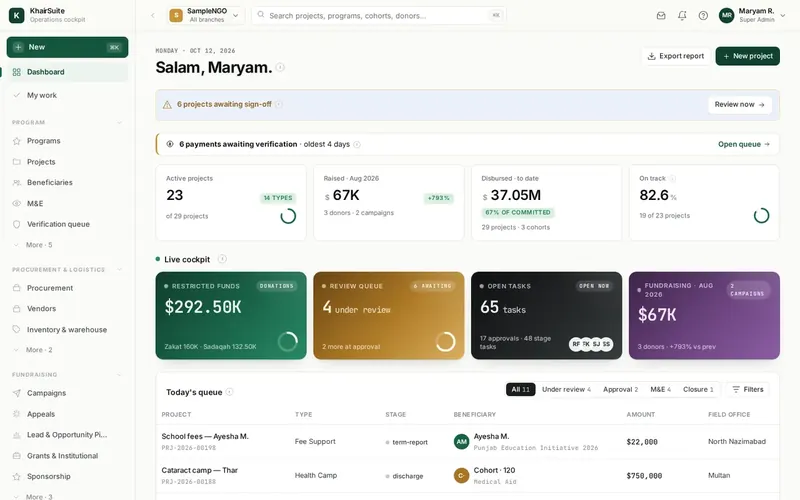
Your daily starting point
One home screen for everyone in the NGO.
- Live cockpit of funds, approvals and tasks
- Alerts for what needs you today
- Roles decide who sees what
- Search across projects, donors and people
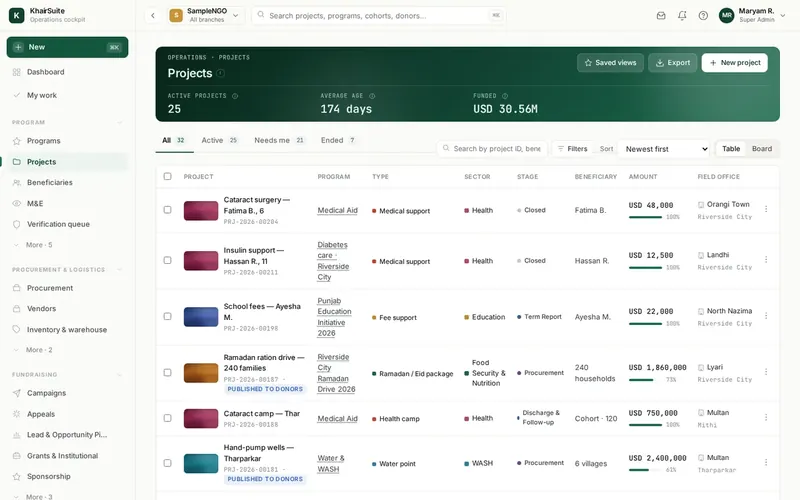
Run projects, prove results
Follow every project from first request to closure.
- Intake, assessment and approval steps
- Beneficiary records with consent
- Field proof attached to each visit
- Monitoring and results per project
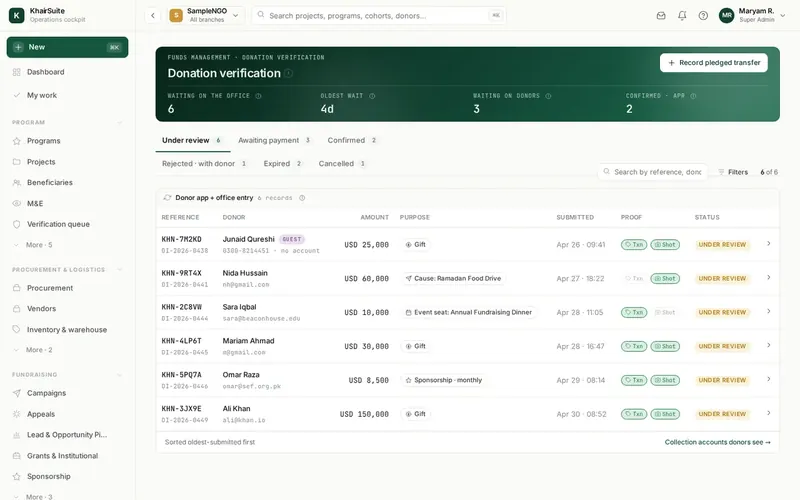
From first donation to thank-you
Know every donor and every donation.
- Campaigns, appeals and grants
- Donations checked against the bank
- Receipts and thank-you letters
- Peer fundraising and sponsorship
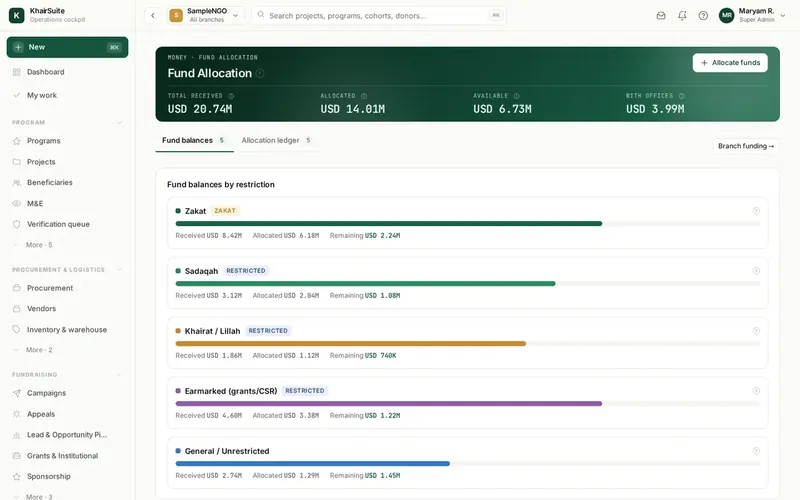
Each donation kept for its purpose
Restricted funds stay restricted.
- Fund balances by purpose, Zakat kept apart
- Budgets and branch funding
- Payments with co-signing
- Bank reconciliation and accounts
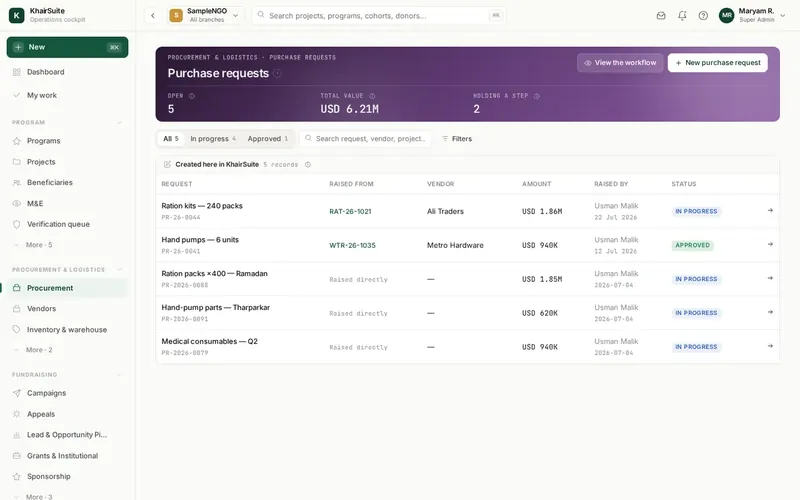
Buy with care, know where it is
From request to delivery, with a record.
- Purchase requests and approvals
- Vendors and quotes in one place
- Stock, warehouses and transfers
- Goods turned into tracked assets
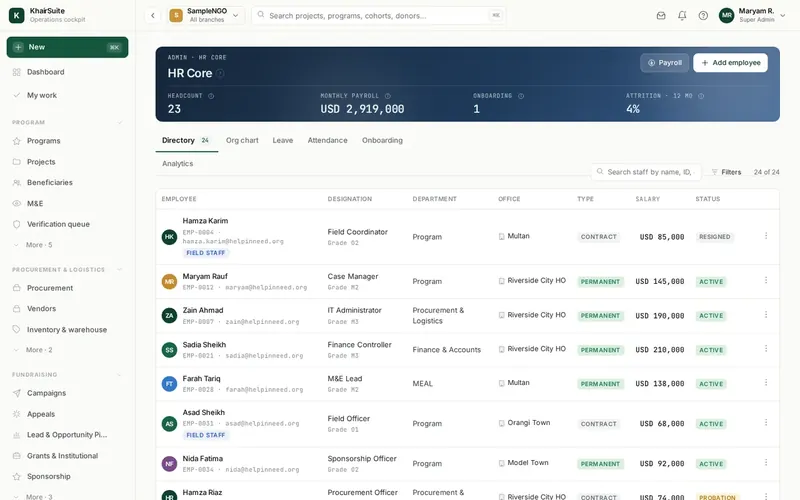
Your team in one place
Staff, volunteers and payroll together.
- Staff directory and contracts
- Volunteers and events
- Hiring from advert to offer
- Payroll prepared for approval
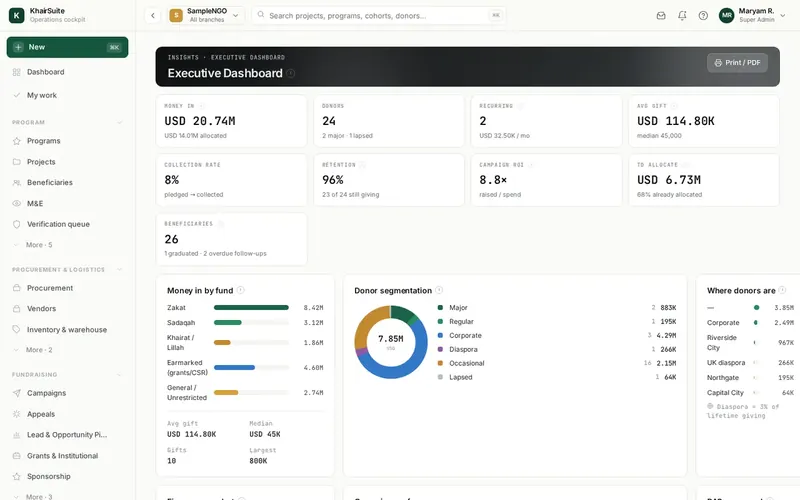
Answers without the spreadsheet
Reports from the same records.
- Board and funder reports on demand
- Programme and finance dashboards
- Your funder’s own layout
- Export for your auditor
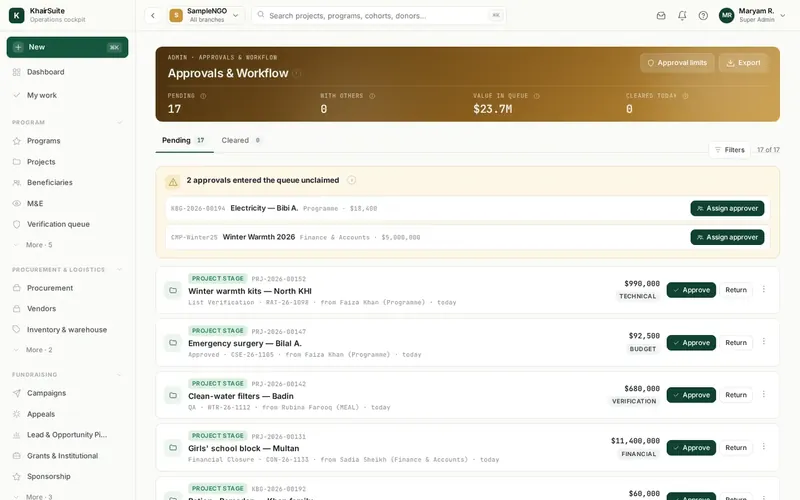
Rules the system applies
Approvals that cannot be skipped.
- Two-person rule on every payment
- Trustee co-signing above your limit
- Delegation when someone is away
- A history nobody can edit
Daily tools beside your records
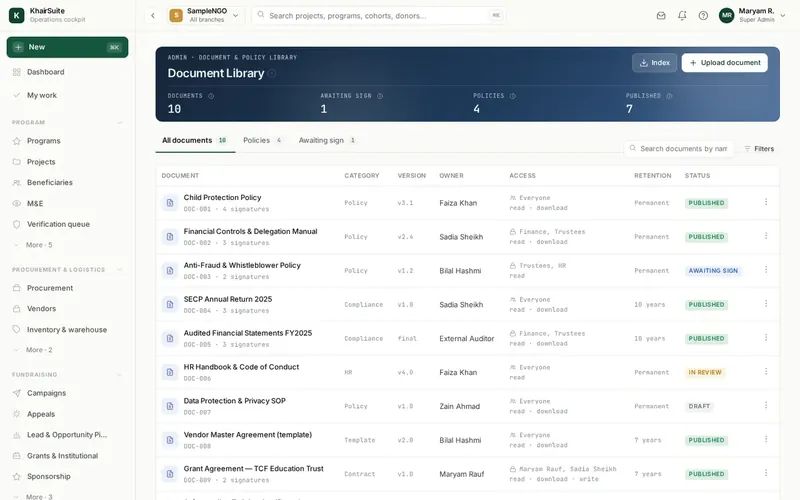
Documents and notices for the team.
- Document library with versions
- Notices and team messages
- Support tickets and requests
- Forms your staff can fill in
Every fund kept for its purpose
Know what each fund holds and where it went.
- Fund registers with restrictions
- Allocate donations to projects
- Spend tracked against each fund
- Fund-wise reports for donors and auditors
Know every donor, keep them close
One record for each donor and their giving.
- Profiles and full giving history
- Segments and contact preferences
- Recurring donors and pledges
- Lapsed-donor lists to follow up
Build your own approval flows
Design flows and forms without code.
- Drag-and-drop flow builder
- Reusable templates
- Forms linked to approvals
- Rules your auditor can read
Built for how NGOs really work.
Approvals you can trust
The person who prepares cannot approve. Trustees co-sign large payments.
Your steps, no coding
Set how your NGO works. Change it later without a developer.
Many offices, one view
Each branch keeps its own books. Head office sees them all.
Zakat kept separate
Restricted funds stay restricted and are spent only on their purpose.
Reports for funders
Receipts and funder reports come from the same records.
Connected apps
The Field Force App and KhairPay feed the same records.
In our cloud, or on your servers.
Same product either way.
We run it for you
Hosting, backups and updates are handled. Your data is private and encrypted.
Inside your network
Run it on servers you control. We help install and upgrade it.
See KhairSuite with your data.
We walk you through it with sample data first.